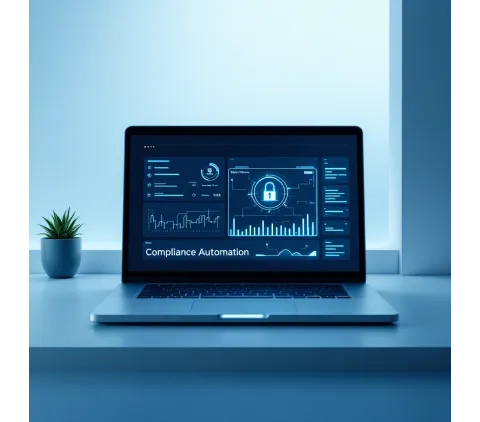
Execute Remote Commands Across Your Entire Device Fleet
Transform device management with Trio's enterprise remote commands platform. Deploy scripts, execute administrative tasks, and maintain complete remote access control across Windows and macOS endpoints through unified Trio Commands interface.
Why struggle with fragmented remote access tools?
Centralized remote command execution eliminates complexity across distributed device environments.
Cross-Platform Execution
Deploy remote command prompt scripts across Windows CMD, PowerShell, and macOS bash environments from single administrative interface with unified execution monitoring.
Offline Queue Management
Maintain command continuity when devices disconnect. Queued remote commands execute automatically upon reconnection, ensuring consistent fleet management without manual intervention.
Privileged Access Control
Execute system-level and root commands securely across enterprise endpoints. Granular privilege management ensures appropriate access levels while maintaining comprehensive audit trails.
Template-Based Deployment
Accelerate script deployment with pre-built templates for common administrative tasks. Streamlined command creation reduces implementation time while ensuring standardized execution practices.
Remote Command Prompt
Unified terminal access across platforms with intelligent environment detection.
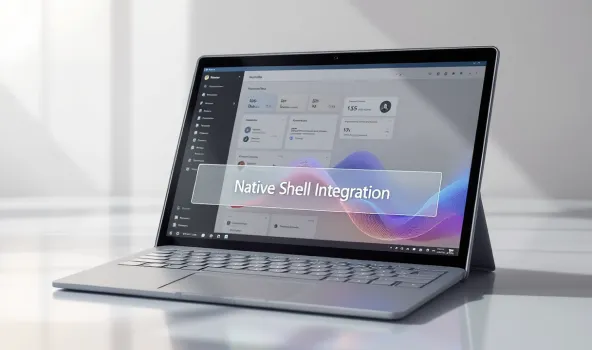
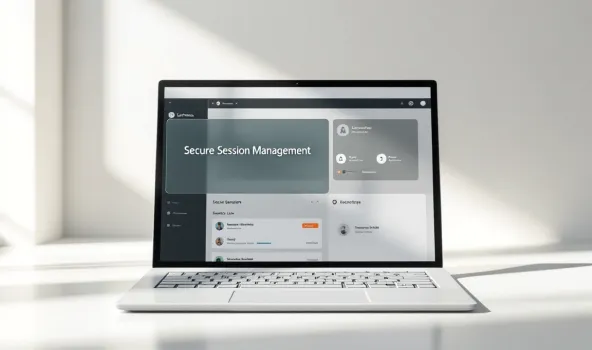
Trio Commands
Complete script lifecycle management with enterprise-grade security and comprehensive execution monitoring across distributed endpoints.
Script Template Library
Pre-configured command templates for system diagnostics, configuration management, and administrative automation. Accelerated deployment reduces implementation complexity while ensuring consistent execution standards.
Multi-Target Deployment
Execute scripts across device groups or individual endpoints simultaneously. Intelligent targeting ensures appropriate script delivery while maintaining granular control over execution scope and timing.
Privileged Execution Control
System and root-level command execution with comprehensive privilege management. Run command operations with appropriate access levels while maintaining detailed audit trails for compliance requirements.
Real-Time Monitoring
Live execution status tracking with detailed logging and failure analysis. Complete visibility into script lifecycle enables rapid troubleshooting and operational intelligence across fleet management.
Webhook Integration
API-driven automation with external system integration capabilities. Automated script triggers respond to monitoring alerts, service events, and operational workflows for seamless DevOps integration.
File Distribution System
Attach supporting files up to 2MB with automated deployment to target endpoints. Configurable destination paths ensure scripts receive necessary resources for complex administrative tasks.
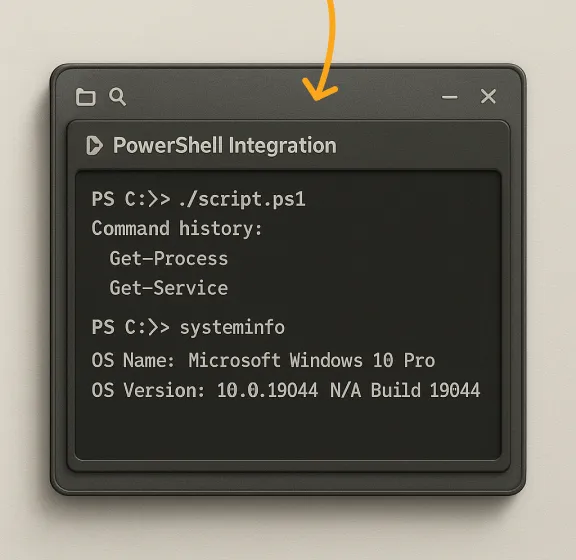
PowerShell Integration
Native PowerShell remote command execution with complete cmdlet library access and advanced Windows system administration capabilities.
Complete Cmdlet Support
Access entire PowerShell command library with module loading and execution policy management for comprehensive Windows automation and administrative control.Legacy CMD Compatibility
Traditional command prompt integration ensures existing batch scripts operate seamlessly within Trio environment while maintaining backward compatibility.Execution Context Management
Configure PowerShell remote command sessions with appropriate user contexts, execution policies, and module dependencies for enterprise Windows administration requirements.Advanced Scripting Capabilities
Deploy complex PowerShell workflows with conditional logic, error handling, and comprehensive output capture for sophisticated Windows system management and automation tasks.
Single dashboard controls all remote command activities across diverse device types. Centralized interface eliminates tool switching while providing comprehensive visibility into fleet operations.
Complex multi-vendor tools create security gaps, inconsistent access methods, and fragmented management experiences that compromise operational efficiency and increase administrative overhead across diverse device environments.
Execution Interfaces
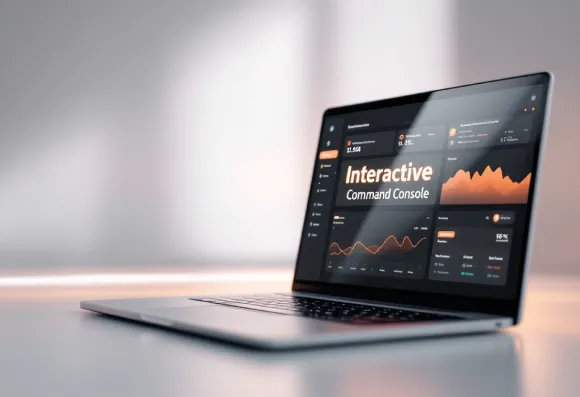
Interactive Command Console
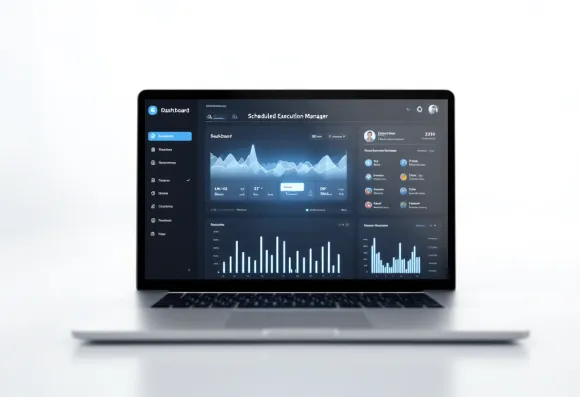
Scheduled Execution Manager
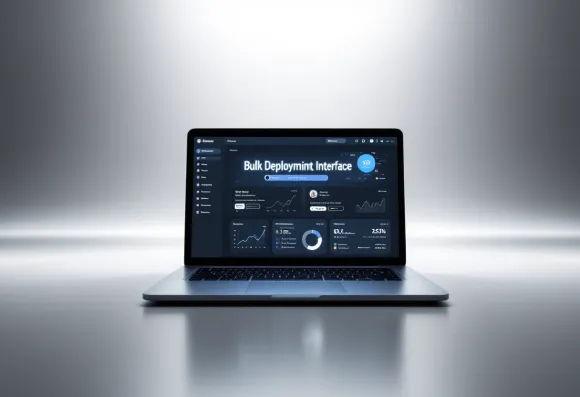
Bulk Deployment Interface
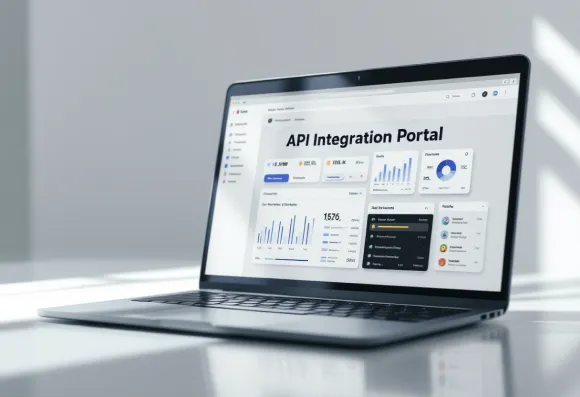
API Integration Portal
Advanced Automation
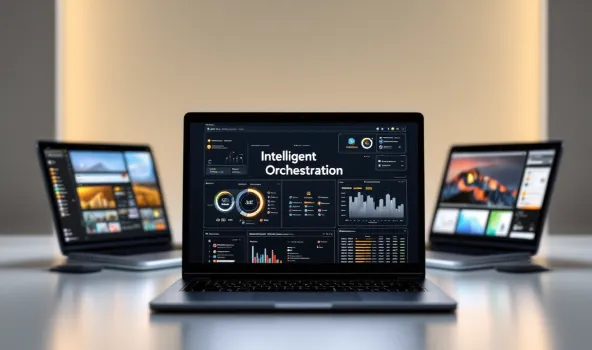
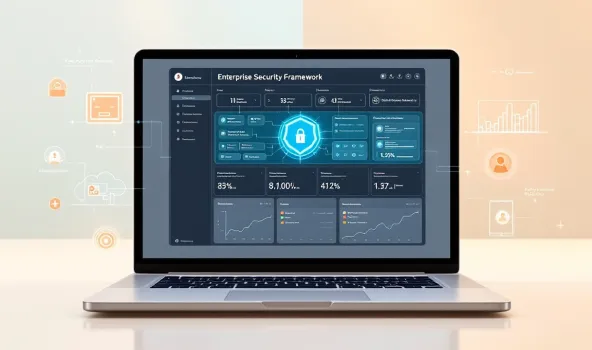
Intelligent script orchestration with streamlined MDM setup ensures rapid deployment of command infrastructure while maintaining enterprise-grade security and comprehensive operational control.


Hello
Hi
Simplified Operations
Intuitive interface design eliminates complexity from routine administrative tasks. Run command operations through guided workflows with intelligent defaults and automated error prevention.
Rapid Implementation
Quick deployment process gets remote access capabilities operational within minutes. Pre-configured templates and automated setup procedures reduce time-to-value while ensuring proper configuration.
Unified Management
Single dashboard controls all remote command activities across diverse device types. Centralized interface eliminates tool switching while providing comprehensive visibility into fleet operations.
Complete Remote Command Solution
Remote Commands
Comprehensive script execution platform with cross-platform support and enterprise-grade security. Complete remote access control through unified Trio Commands interface with intelligent automation.Integration Ecosystem
Seamless connectivity with existing IT infrastructure through API integration and webhook automation. Native compatibility with monitoring systems and operational workflows ensures cohesive management.Enterprise Support
Dedicated technical assistance with implementation guidance and ongoing operational support. Expert consultation ensures optimal remote command deployment and maximum operational efficiency across environments.

Remote Commands Solution FAQ
Ready to transform your compliance automation strategy?
Start your free demo and discover how automated compliance monitoring eliminates manual overhead while maintaining enterprise-grade security standards.Ready to transform your compliance automation strategy?Start your free demo and discover how automated compliance monitoring eliminates manual overhead while maintaining enterprise-grade security standards.