


Education safety & classroom control
Screen-time
Safe-browsing
Assigned Access
Trio's policy management software solution eliminates the complexity of managing device configurations across Windows, macOS, iOS, and Android environments




Trio's enterprise policy management delivers granular control over device behavior while maintaining simplified administration for resource-constrained IT teams.
Deploy Wi-Fi credentials, VPN settings, and system preferences across all platforms through unified policy templates.
Unified Policy Management for Multi-Platform Devices
Trio's policy management software solution eliminates the complexity of managing device configurations across Windows, macOS, iOS, and Android environments
Trio's policy management software solution eliminates the complexity of managing device configurations across Windows, macOS, iOS, and Android environments. IT administrators can deploy unified security profiles, configuration policies, and compliance standards through streamlined MDM setup that reduces deployment time from days to minutes.
Trio's policy management software solution eliminates the complexity of managing device configurations across Windows, macOS, iOS, and Android environments.
Trio's unified policy management consolidates device configuration across all platforms into a single, intelligent interface that scales with your organization.
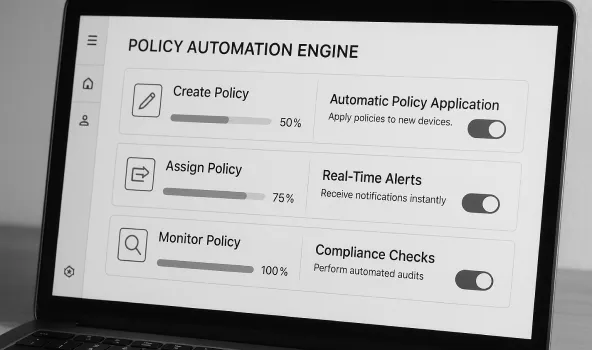
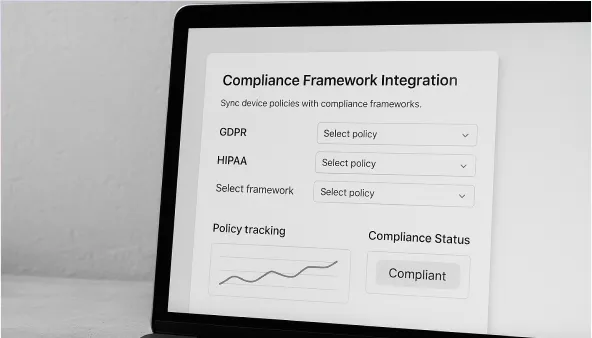
Trio's enterprise policy management delivers granular control over device behavior while maintaining simplified administration for resource-constrained IT teams.
Deploy Wi-Fi credentials, VPN settings, and system preferences across all platforms through unified policy templates. Platform-specific configurations including macOS system extensions, Windows power management, and Android work profiles deploy automatically without requiring expertise in each operating system.
Enforce encryption standards including BitLocker and FileVault, deploy certificates for secure communications, and configure firewall rules through centralized security profiles. Advanced threat protection includes web content filtering, USB access control, and removable storage restrictions.
Implement role-based permissions, configure single sign-on integration, and deploy conditional access policies that adapt to user behavior and device risk posture. Support for Extensible Authentication Protocol ensures secure network access across enterprise environments.
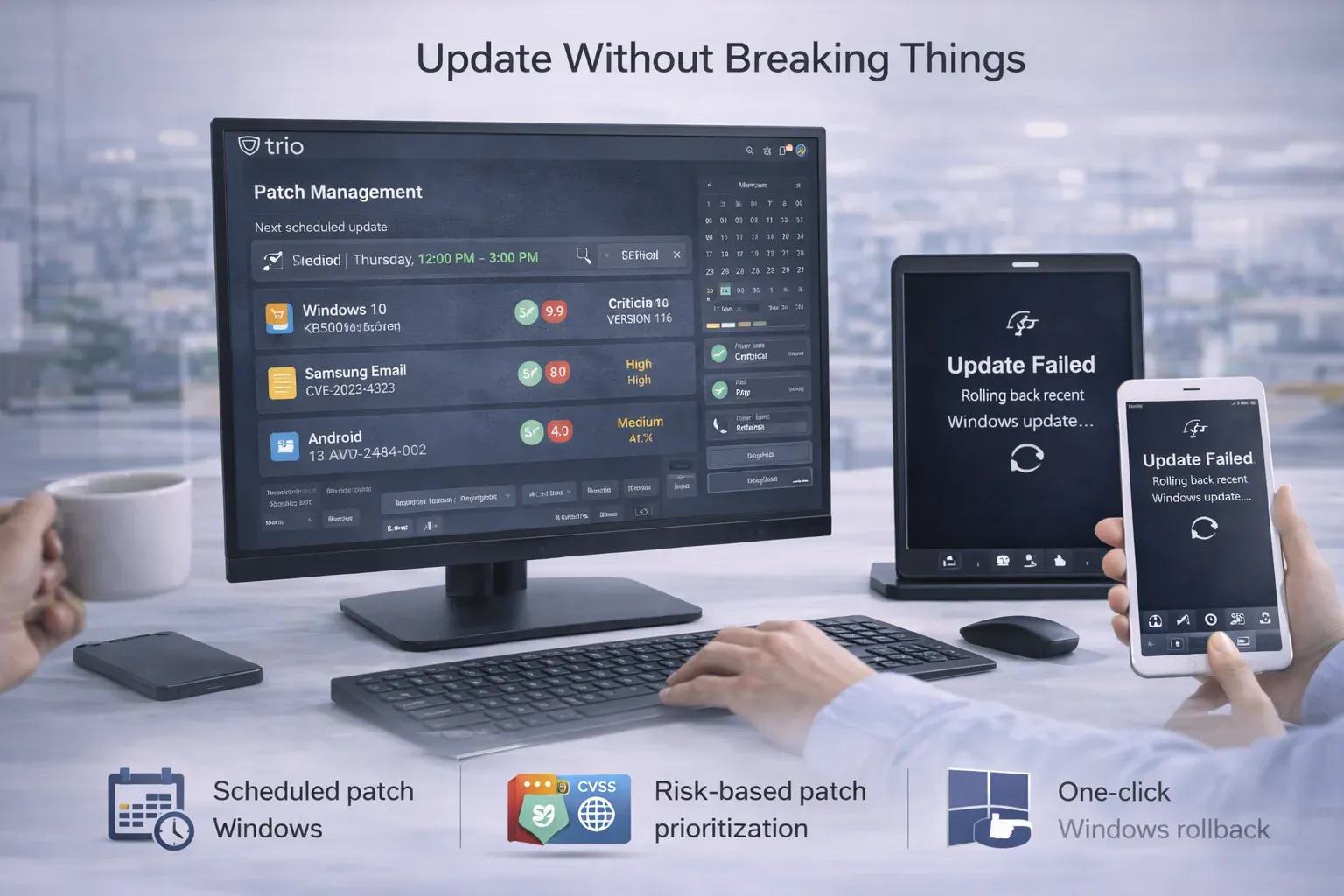
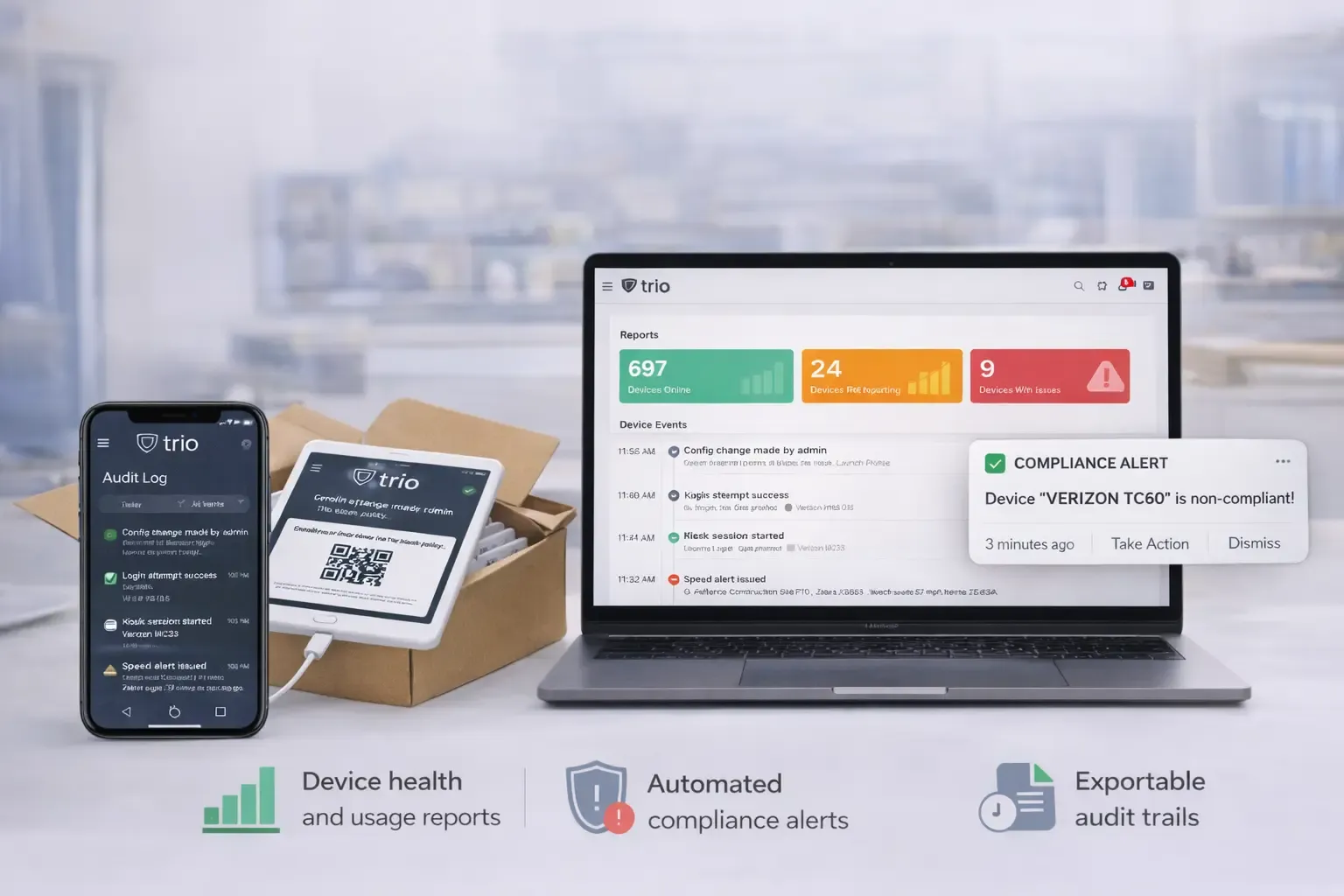
Continuous compliance monitoring validates device configurations against regulatory frameworks, generates automated audit reports, and provides evidence collection for compliance assessments. Policy templates align with industry standards while supporting custom compliance requirements.
Secure certificate deployment supports PEM, PKCS1, PKCS12, and Active Directory certificate formats across all platforms. Automated certificate distribution ensures encrypted communications for email, VPN, and enterprise application access without manual certificate installation.
Automated backup policies protect critical business data across managed devices while ensuring compliance with data retention requirements. Centralized backup management reduces data loss risk and supports disaster recovery planning for distributed workforces.
Trusted by IT administrators managing 500+ distributed devices across multiple platforms and compliance frameworks.
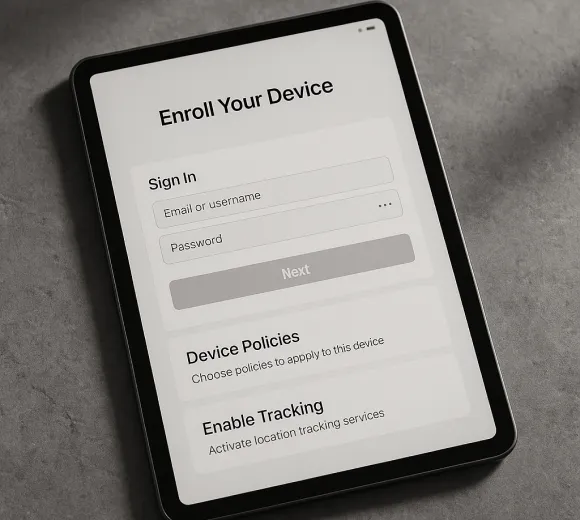
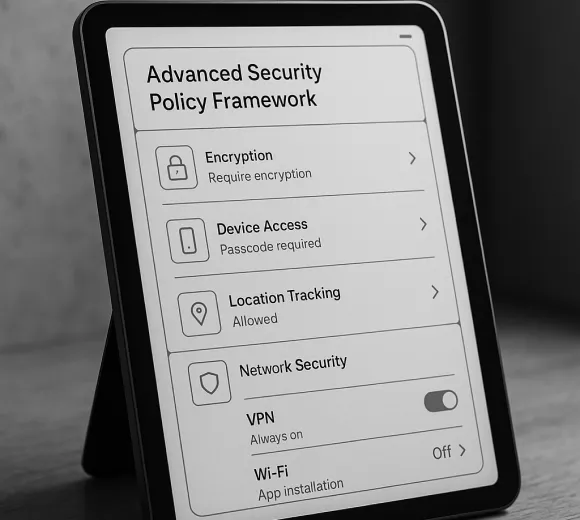
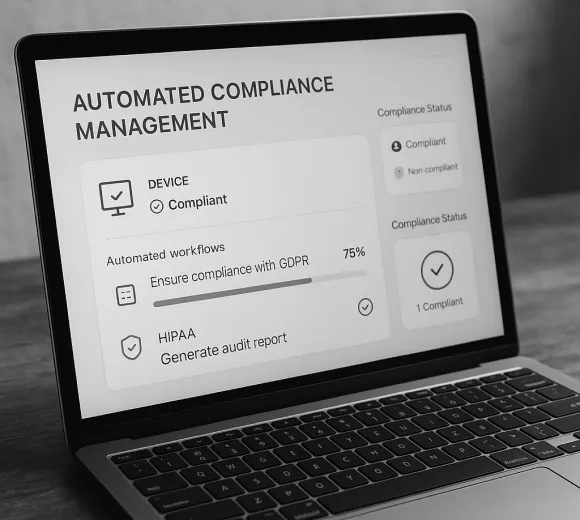
Trio's policy management tool integrates seamlessly with existing enterprise infrastructure while providing comprehensive monitoring and reporting capabilities across all managed endpoints.
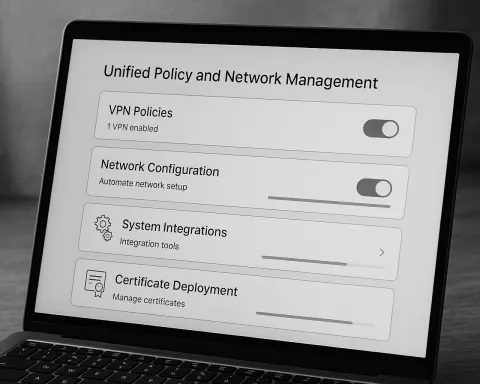
Manage and secure your devices at scale
Take real-time control of your fleet: target devices precisely, run safe remote actions and scripts, manage services and processes, and support users over Trio Desk—all with RBAC, approvals, and full audit trails.
Test
12
Test
15
Test
18
Test
16
Test
12
Test
15
Test
18
Test
16
Take real-time control of your fleet: target devices precisely, run safe remote actions and scripts, manage services and processes, and support users over Trio Desk—all with RBAC, approvals, and full audit trails.
Trio Desk — Remote Desktop
Whether you have a team of 2 or 200, our shared team inboxes keep everyone on the same page and in the loop.
Service Manager
Whether you have a team of 2 or 200, our shared team inboxes keep everyone on the same page and in the loop.
Script Library & Templates
Whether you have a team of 2 or 200, our shared team inboxes keep everyone on the same page and in the loop.
Script Library & Templates
Whether you have a team of 2 or 200, our shared team inboxes keep everyone on the same page and in the loop.
Script Library & Templates
Whether you have a team of 2 or 200, our shared team inboxes keep everyone on the same page and in the loop.
Script Library & Templates
Whether you have a team of 2 or 200, our shared team inboxes keep everyone on the same page and in the loop.
Lock down devices for retail, hospitality, and signage—or create safe, manageable classrooms. Trio supports single-app and multi-app kiosks across platforms and delivers digital-safety, classroom controls, and policy templates that keep learners focused and devices compliant.
Screen-time
Safe-browsing
Assigned Access

App Lockdown
USB, Bluetooth, Camera
Disable status bar,
Pin start URLs
Uptime, battery and network
Lost Mode
Manage macOS, Windows, iOS, and Android from one secure console. Automate zero‑touch enrollment, enforce consistent policies, deploy software at scale, and keep every endpoint compliant with real‑time visibility and safe remote actions.
Windows management
Andorif
macOS management
Zero-touch Apple onboarding with supervision on first boot. Profiles and approved apps apply instantly for secure, compliant devices.
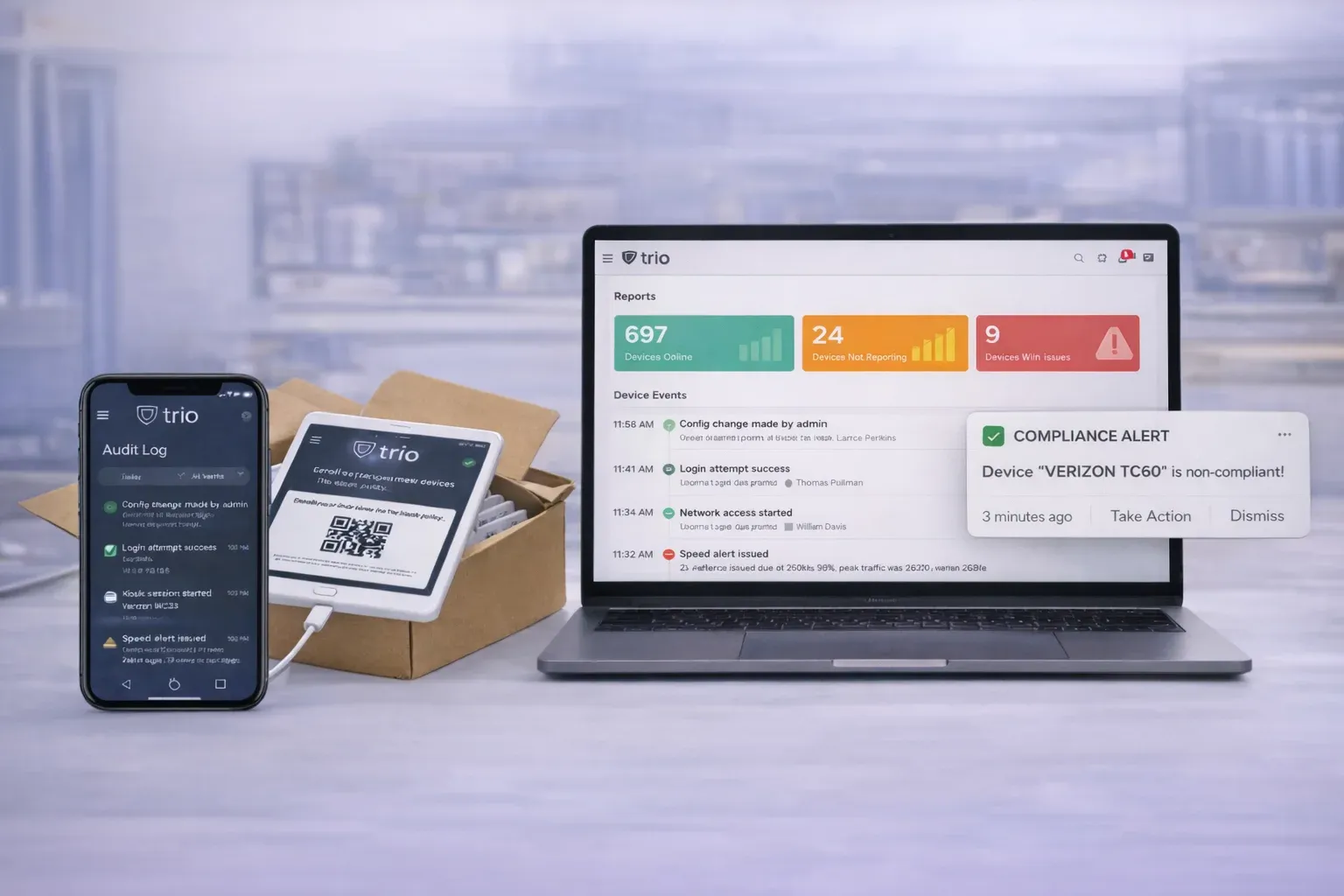
Zero-touch Apple onboarding with supervision on first boot.Profiles and approved apps apply instantly for secure, compliant devices.
Define and enforce security and configuration across macOS, Windows, iOS, and Android. Use versioned profiles and Policy Groups with conditional rules to keep every device compliant backed by staged rollout, approvals, and full audit trails.
Whether you have a team of 2 or 200, our shared team inboxes keep everyone on the same page and in the loop.
An all-in-one customer service platform that helps you balance everything your customers need to be happy.
Measure what matters with Untitled’s easy-to-use reports. You can filter, export, and drilldown on the data in a couple clicks.
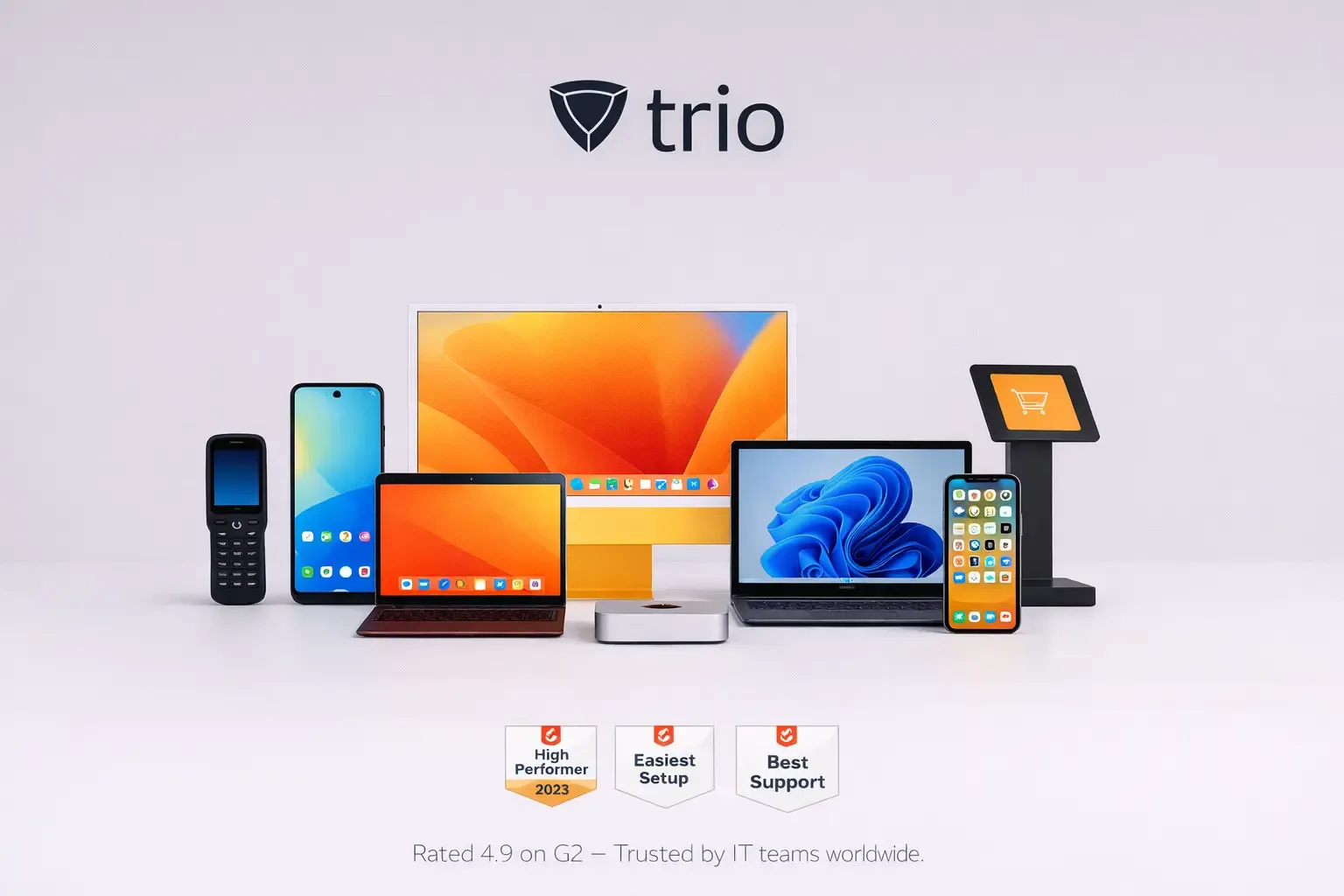
Whether you have a team of 2 or 200, our shared team inboxes keep everyone on the same page and in the loop.
An all-in-one customer service platform that helps you balance everything your customers need to be happy.
Measure what matters with Untitled’s easy-to-use reports. You can filter, export, and drilldown on the data in a couple clicks.
Define and enforce security and configuration across macOS, Windows, iOS, and Android. Use versioned profiles and Policy Groups with conditional rules to keep every device compliant backed by staged rollout, approvals, and full audit trails.
Whether you have a team of 2 or 200, our shared team inboxes keep everyone on the same page and in the loop.
An all-in-one customer service platform that helps you balance everything your customers need to be happy.
Measure what matters with Untitled’s easy-to-use reports. You can filter, export, and drilldown on the data in a couple clicks.
Trio's enterprise policy management delivers granular control over device behavior while maintaining simplified administration for resource-constrained IT teams.
Deploy Wi-Fi credentials, VPN settings, and system preferences across all platforms through unified policy templates.
Enforce encryption standards including BitLocker and FileVault, deploy certificates for secure communications, and configure firewall rules through centralized security profiles.
Implement role-based permissions, configure single sign-on integration, and deploy conditional access policies that adapt to user behavior and device risk posture.
Continuous compliance monitoring validates device configurations against regulatory frameworks, generates automated audit reports, and provides evidence collection for compliance assessments.
Trio's enterprise policy management delivers granular control over device behavior while maintaining simplified administration for resource-constrained IT teams.
Whether you have a team of 2 or 200, our shared team inboxes keep everyone on the same page and in the loop.
An all-in-one customer service platform that helps you balance everything your customers need to be happy.
Measure what matters with Untitled’s easy-to-use reports. You can filter, export, and drilldown on the data in a couple clicks.
Trio's enterprise policy management delivers granular control over device behavior while maintaining simplified administration for resource-constrained IT teams. P
Trio's enterprise policy management delivers granular control over device behavior while maintaining simplified administration for resource-constrained IT teams.

Whether you have a team of 2 or 200, our shared team inboxes keep everyone on the same page and in the loop.
An all-in-one customer service platform that helps you balance everything your customers need to be happy.

Measure what matters with Untitled’s easy-to-use reports. You can filter, export, and drilldown on the data in a couple clicks.
An all-in-one customer service platform that helps you balance everything your customers need to be happy.
Trio's enterprise policy management delivers granular control over device behavior while maintaining simplified administration for resource-constrained IT teams.
Whether you have a team of 2 or 200, our shared team inboxes keep everyone on the same page and in the loop.
Sentence 1
Sentence 2
Sentence 3
Trio's enterprise policy management delivers granular control over device behavior while maintaining simplified administration for resource-constrained IT teams.

Secure, automate, and simplify your device management. Get started with Trio today.
Secure, automate, and simplify your device management. Get started with Trio today.
Trio's enterprise policy management delivers granular control over device behavior while maintaining simplified administration for resource-constrained IT teams.
Configuration Policies
Deploy Wi-Fi credentials, VPN settings, and system preferences across all platforms through unified policy templates.
Security Profiles
Enforce encryption standards including BitLocker and FileVault, deploy certificates for secure communications, and configure firewall rules through centralized security profiles.
Access Controls
Implement role-based permissions, configure single sign-on integration, and deploy conditional access policies that adapt to user behavior and device risk posture.
Compliance Automation
Continuous compliance monitoring validates device configurations against regulatory frameworks, generates automated audit reports, and provides evidence collection for compliance assessments.
Script Library & Templates
Whether you have a team of 2 or 200, our shared team inboxes keep everyone on the same page and in the loop.
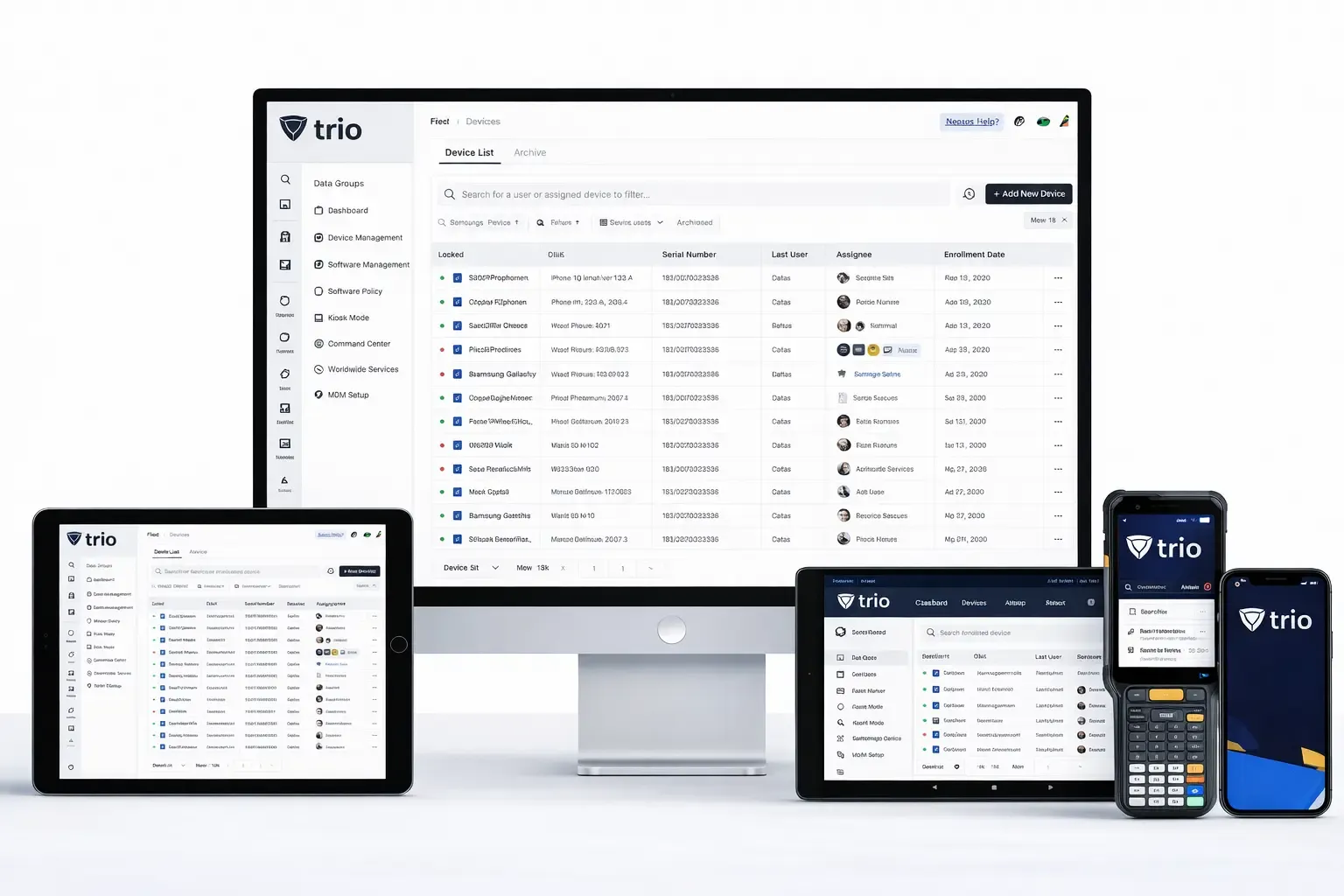
Security Policies
An all-in-one customer service platform that helps you balance everything your customers need to be happy.
ock down devices for retail, hospitality, and signage—or create safe, manageable classrooms. Trio supports single-app and multi-app kiosks across platforms and delivers digital-safety, classroom controls, and policy templates that keep learners focused and devices compliant.