Unified App Management Across All Platforms
Deploy, update, and monitor applications across Android, iOS, Windows, and macOS devices from a single management interface. Trio's mobile application management software eliminates the complexity of multi-platform software distribution while maintaining enterprise-grade security and compliance controls for technical teams managing diverse device environments.
Struggling with Multi-Platform App Deployment?
Unified Deployment Architecture
Compliance Automation Framework
App Management Capabilities
Enterprise application management features designed for technical teams managing Android, iOS, Windows, and Mac environments with automated deployment and comprehensive monitoring capabilities.
Centralized repository for managing applications across all enrolled devices with support for official app stores, Trio's curated catalog, and custom application uploads. Version consistency enforcement ensures uniform software deployment with automated update notifications and rollback capabilities for mission-critical applications.
Pre-configured application templates with deployment behavior controls including auto-install, self-service portal access, and command-line installation parameters. Configure patching schedules, installation behavior, and device associations for streamlined software delivery across organizational units and device groups.
Detailed activity tracking for all software-related operations including installations, updates, uninstallations, and administrative approvals. Filter events by application, user, event type, or date range with exportable audit trails for compliance reporting and troubleshooting failed deployments.
Secure distribution of proprietary applications through supported formats including APK for Android, IPA for iOS, PKG for macOS, and MSI/EXE for Windows. Upload custom applications directly to the management console with automated signing verification and deployment scheduling across target device groups.
Intelligent update management with configurable patching schedules and automatic version compliance monitoring. Critical security updates deploy automatically while feature updates follow approval workflows with rollback protection for business-critical applications and systems.
Unified policy enforcement across heterogeneous device environments with platform-specific optimization. Single administrative interface manages Android Enterprise work profiles, iOS supervised mode restrictions, Windows application control policies, and macOS Gatekeeper configurations simultaneously.
Deployment Methods for Technical Teams
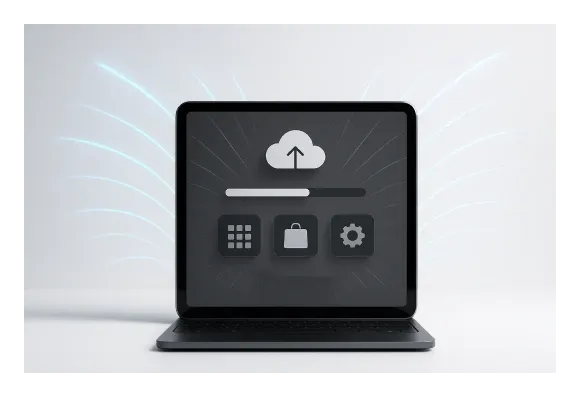
Multiple deployment approaches designed for different organizational requirements with technical control over installation parameters and user experience.
Automated Deployment Infrastructure
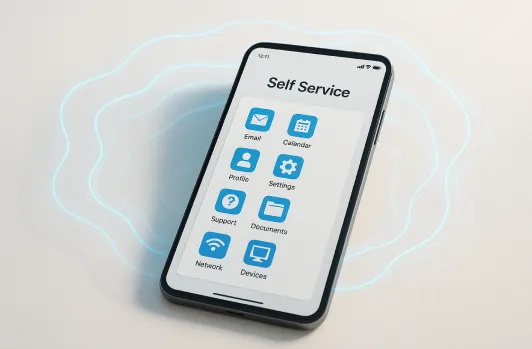
Self-Service Portal Access
Command-Line Control Systems

Integration Architecture
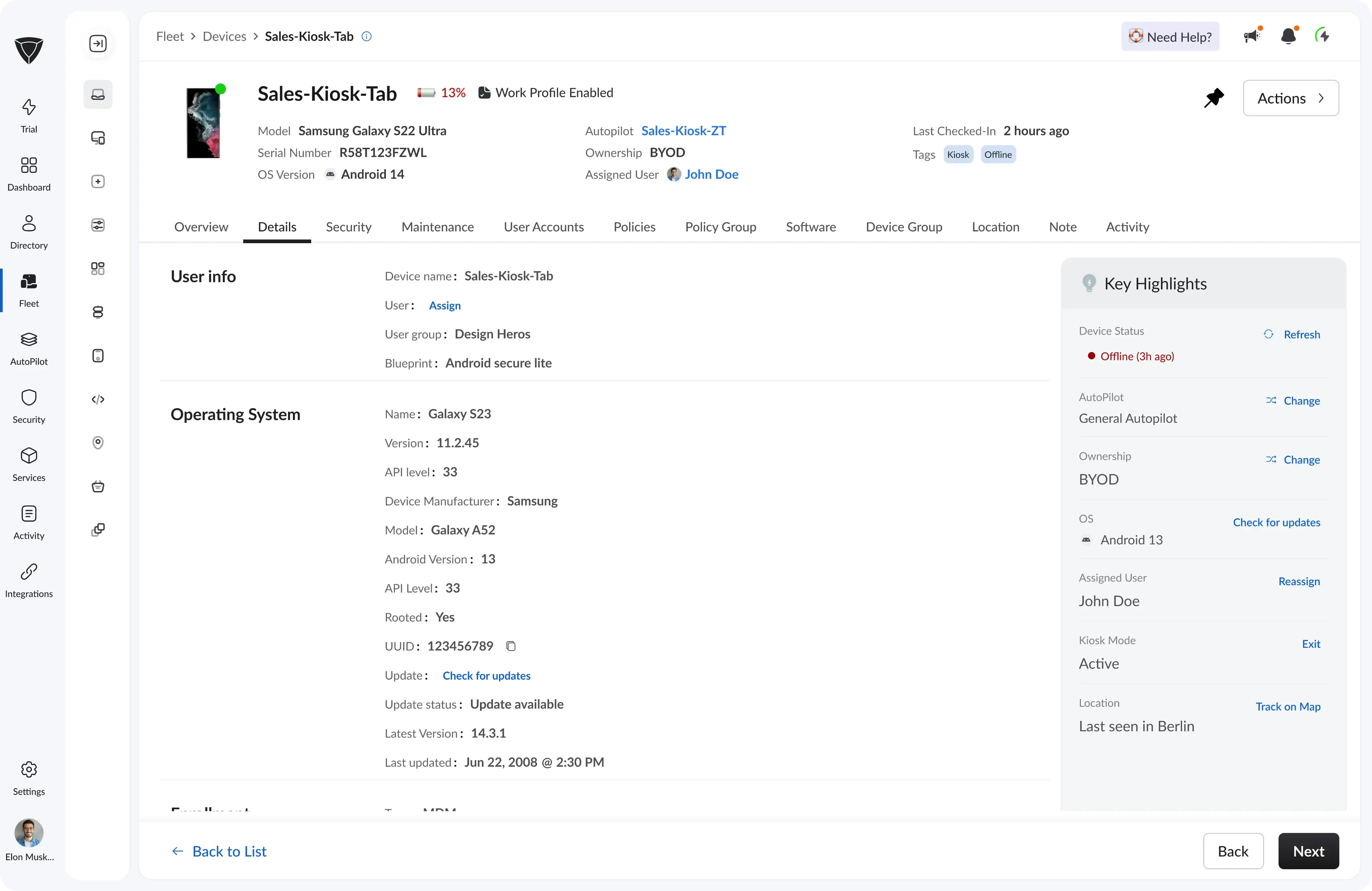
Mobile app management (MAM) integrates seamlessly with existing enterprise infrastructure and identity management systems for streamlined authentication and policy enforcement.
Enterprise Identity Integration
Native integration with Microsoft Entra ID (Azure AD), Google Workspace, and Okta for automated user provisioning and single sign-on authentication. Synchronize user groups, apply conditional access policies, and maintain consistent identity management across application deployment and device management workflows.
API Automation Capabilities
RESTful API access for integration with existing IT service management tools, configuration management databases, and automated deployment pipelines. Webhook support enables real-time notifications to external systems for incident management, compliance monitoring, and operational dashboards integration.
Platform-Specific Optimization
Native protocol utilization for each operating system including Apple Push Notification Service (APNs) for iOS management, Google's Android Enterprise APIs for work profile control, and Microsoft's CSP providers for Windows policy enforcement. Optimize performance and reliability through platform-native management capabilities.
Technical Implementation
iOS app management and Android app management capabilities support enterprise deployment scenarios with advanced configuration options for technical administrators.
Cross-Platform Compatibility
Support for Android Enterprise (work profile, fully managed, dedicated devices), iOS supervised mode, Windows 10/11 professional and enterprise editions, and macOS 10.14+ with platform-specific management modes. Maintain consistent policy enforcement across heterogeneous environments while leveraging platform-native capabilities.
Security Framework Integration
Enterprise app management with encrypted application distribution, code signing verification, and malware scanning for custom application uploads. Integrate with existing security tools for threat detection, vulnerability assessment, and compliance monitoring across application lifecycle management.
Scalability Architecture
Multi-tenant architecture supporting organization growth from startup environments to enterprise deployments with role-based access controls, organizational unit management, and distributed administration capabilities. This application management platform scales from dozens to thousands of devices without architectural limitations or performance degradation.
See the Platform
See how to instantly deploy, update, and monitor all apps across Android, iOS, Windows, and macOS—all from one centralized dashboard.See the PlatformSee how to instantly deploy, update, and monitor all apps across Android, iOS, Windows, and macOS—all from one centralized dashboard.